
Welcome back to What’s Up Small Biz: The Weekly Marketing Minute: your go-to series for quick, actionable tips to help your Summerville business shine online. This week, we’re tackling one of the most important (and totally free!) tools in your local marketing toolkit: your Google Business Profile.
If you’ve ever Googled a local restaurant, salon, or auto shop and seen that handy box pop up on the right side of your screen with hours, photos, reviews, and directions: that’s a Google Business Profile in action. And guess what? Your business deserves one too.
Let’s walk through exactly how to claim yours, step by step. Grab your coffee (or sweet tea, we don’t judge), and let’s get your business on the map, literally.
Why Your Google Business Profile Matters
Before we dive into the how-to, let’s talk about the why. When someone in Summerville or the greater Charleston area searches for “best coffee near me” or “plumber in Summerville SC,” Google pulls up local results based on Google Business Profiles.
If you don’t have one: or if yours isn’t claimed and optimized: you’re essentially invisible to a huge chunk of potential customers. And nobody wants that.
Here’s what a claimed and optimized Google Business Profile can do for you:
- Boost your visibility in local search results and Google Maps
- Build trust with reviews, photos, and accurate business info
- Drive traffic to your website, your phone line, or your front door
- Give you control over how your business appears online
It’s free, it’s powerful, and it takes less time than your lunch break. Let’s do this.

Step 1: Sign In to Your Google Account
First things first: you’ll need a Google account. If you already have a Gmail address, you’re good to go. If not, head over to accounts.google.com and create one. We recommend using an email address you check regularly, since this is where Google will send important updates about your profile.
Pro tip: If you have a team, consider creating a shared business email (like yourshop@gmail.com) so multiple people can access the profile down the road.
Step 2: Search for Your Business on Google
Here’s where things get interesting. Your business might already have a profile on Google: even if you never created one. Google sometimes generates basic listings from public information.
Open up Google and search for your business name along with your city. For example: “Sunny’s Flower Shop Summerville SC.”
If a profile pops up on the right side of the screen (or in the map results), look for a link that says “Own this business?” or “Claim this business.” Click it, and you’re on your way.
If nothing shows up, no worries: we’ll create a brand new profile in the next step.
Step 3: Create or Claim Your Profile
If your business already has a listing:
- Click “Own this business?” or “Claim this business”
- Follow the prompts to begin the verification process
- Google will ask you to confirm you’re authorized to manage the business
If your business doesn’t have a listing yet:
- Go to business.google.com
- Click “Manage now” or “Add your business to Google”
- Enter your business name and select a category (like “Restaurant,” “Hair Salon,” or “Auto Repair Shop”)
- Add your address if you have a physical location customers can visit
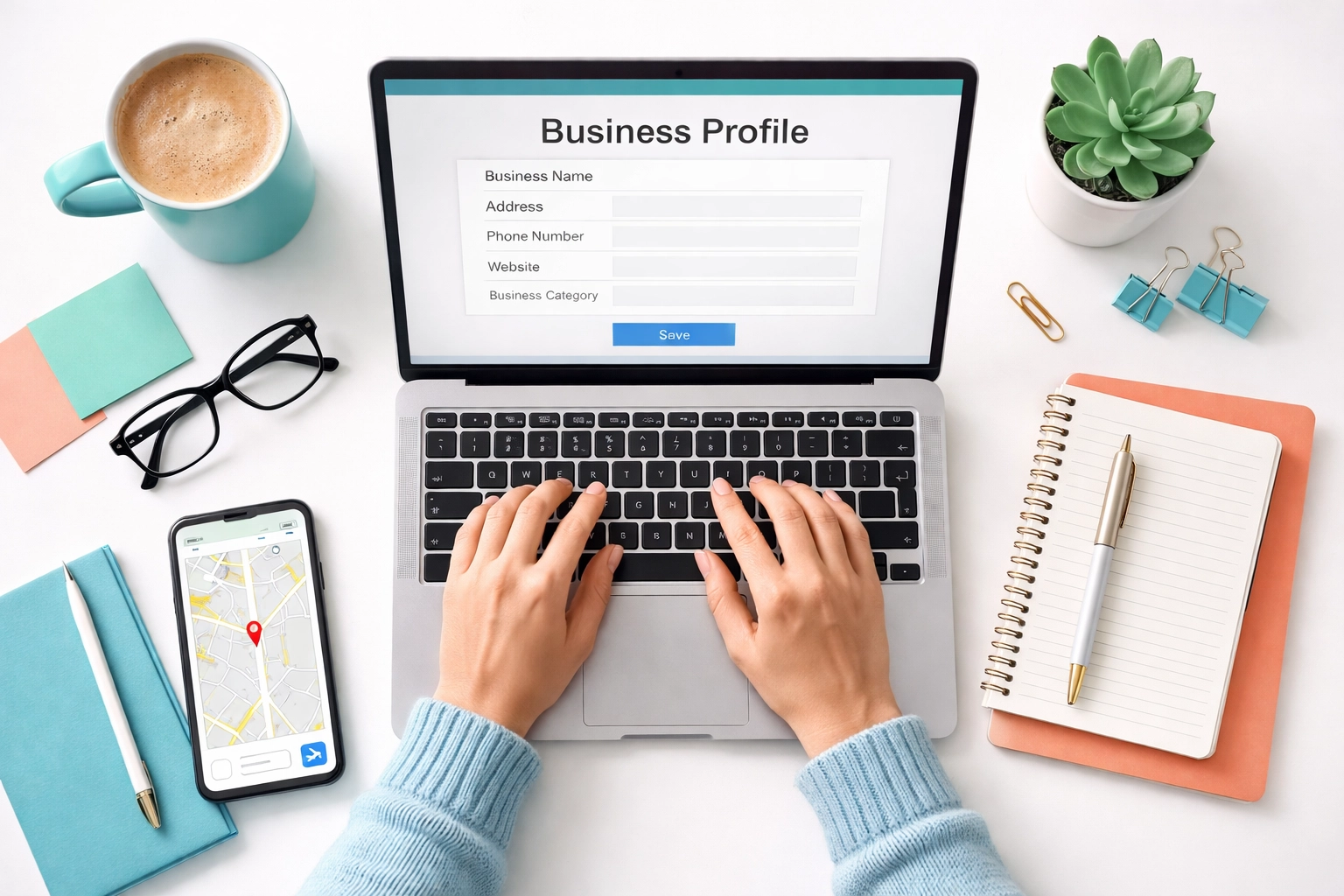
- Enter your phone number and website URL
Take your time filling in these details accurately. This is the information that will show up when people search for you, so double-check those digits!
Step 4: Verify Your Business
This is the part where Google makes sure you’re the real deal. Verification proves that you’re actually authorized to manage the business: and it unlocks all the cool features like responding to reviews and posting updates.
Google will automatically determine which verification method to use based on your business type, location, and other factors. Here are the most common options:
- Phone call or text: Google sends a code to your business phone number
- Email: A verification code is sent to your email address
- Postcard: Google mails a postcard with a code to your business address (takes about 5 days)
- Video verification: You record a short video showing your location and business signage
- Instant verification: If you’ve already verified your website with Google Search Console, you might get verified instantly
Once you receive your code, log back into your Google Business Profile and enter it. Google will review your information, and within about 5 business days, you’ll get a confirmation email that your profile is live and verified.
Step 5: Optimize Your Profile (The Fun Part!)
Claiming your profile is just the beginning. Now it’s time to make it shine. Here’s how to turn a basic listing into a customer magnet:
Add photos: Businesses with photos get 42% more requests for directions and 35% more clicks to their websites. Upload your logo, storefront, products, team photos: anything that shows off your vibe.
Write a killer description: You get 750 characters to tell people what makes your business special. Use keywords like “Summerville,” “locally owned,” or whatever describes your niche.
Keep your hours updated: Nothing frustrates a customer more than showing up to a closed door. Update your hours for holidays and special events too.
Collect reviews: Ask happy customers to leave a Google review. More reviews = more trust = more business.
Post updates: Google lets you share posts about promotions, events, or news. It’s like social media, but right in your search results.
Bonus: Pair Your Google Profile with Local Directories
Your Google Business Profile is a powerhouse, but it works even better when paired with other local directories. The more places your business shows up online (with consistent information), the more Google trusts your listing: and the higher you’ll rank in local searches.
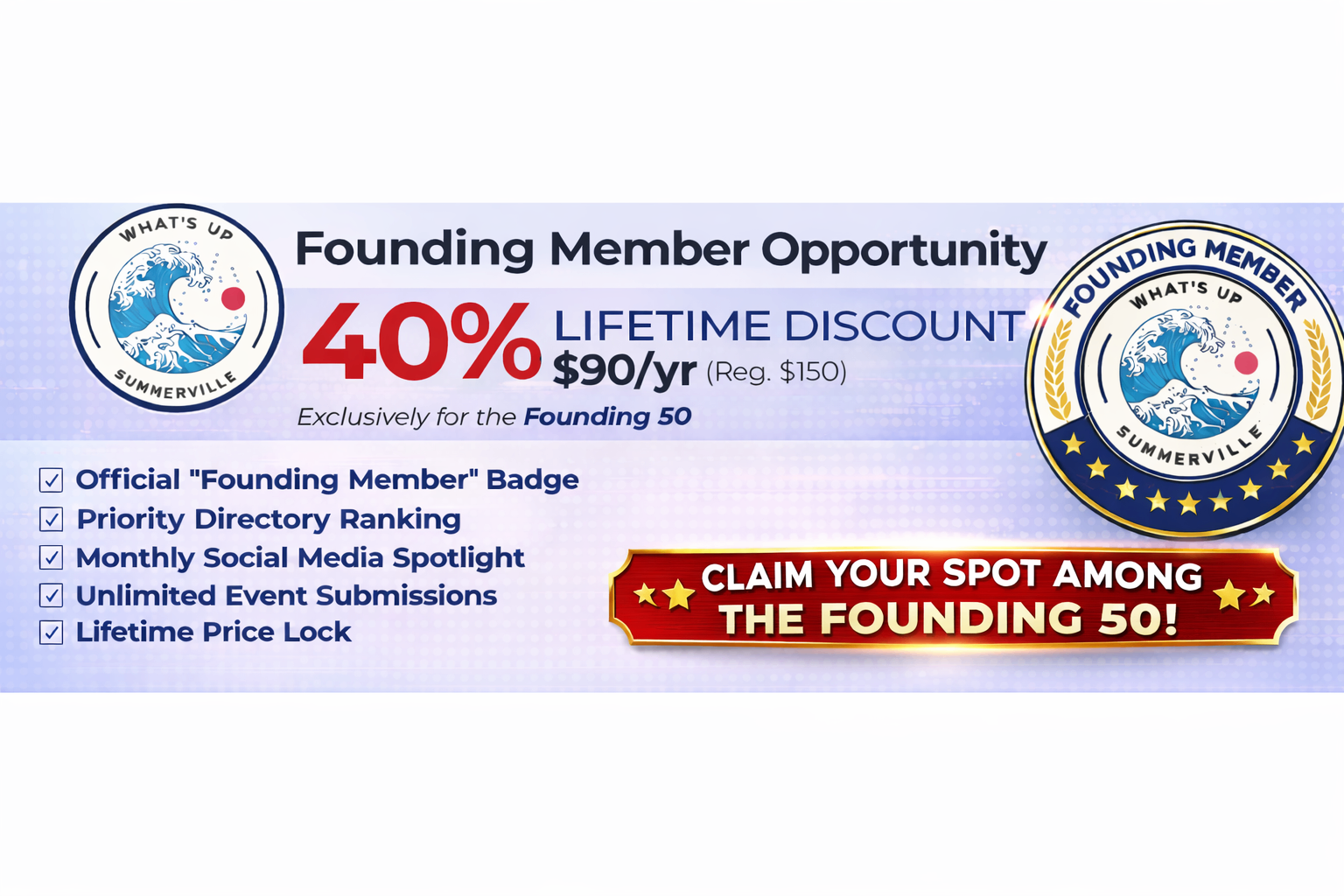
That’s where we come in! At What’s Up Summerville, we help local businesses get discovered by the community. Our Small Business Tools page has resources to help you grow your online presence, and our local business directory puts you in front of Summerville residents who are actively looking for businesses like yours.
Got an event coming up? Submit it to our events calendar so the whole community knows about it. Hosting a grand opening, special sale, or community fundraiser? We want to help spread the word.
You’ve Got This, Small Biz Hero
Claiming your Google Business Profile might feel like a small step, but it’s one of the most impactful things you can do for your local visibility. It’s free, it’s straightforward, and it puts you in control of how your business shows up online.
So take 15 minutes today, follow these steps, and get your business officially on the map. Your future customers are already searching: let’s make sure they find you.
This post is part of our ongoing series, What’s Up Small Biz: The Weekly Marketing Minute: quick tips and guides to help Summerville business owners thrive online. Missed the earlier weeks? Check out What’s Up Summerville to catch up and explore more resources for local businesses.
Questions? Ideas for future topics? Drop us a line( we love hearing from our local business community!)